
I stopped re-prompting and started writing the thing down first
The two quiet skills — context design and spec coding — that moved my best work to before I press enter.

Hi designers,
It’s Friday, and I want to tell you about the least glamorous forty minutes of my week — because they turned out to be the reason the rest of it went well.
Some time ago I was rebuilding a screen — a pretty ordinary one. I opened Claude Code, described what I wanted, and got back something that looked right and was quietly wrong in a few places — the wrong component style, spacing that wasn’t mine, a states model I hadn’t asked for. So I re-prompted. And again. And again. Twenty minutes in, I had a small pile of almost-right screens and a faint headache. Then I did the boring thing: I closed the chat, opened a plain markdown file, and just... wrote down what I actually wanted. The components. The states. The two edge cases I already knew about. It took maybe ten minutes. I pasted it back in, asked once, and the first pass was the closest to right I’d had all day.
I’ve been turning that over ever since, because it’s such a small shift and it changed so much. The work that made the output good didn’t happen in the prompt. It happened before it.
The reframe: the work moved upstream
Here’s the thing I keep landing on. For the last year we’ve all been getting better at prompting — better phrasing, better instructions, the magic-words game. And that’s real, a little. But I think we’ve been optimising the wrong moment. The prompt was never really the lever. The two things that actually decide whether AI gives you something usable both live one step earlier:
What the tool knows before you ask — that’s context design. What you’re actually asking it to build — that’s spec coding.
Same shift, two halves. Both of them move the design work off the “keep re-rolling until it’s right” treadmill and back onto a page where you’re deciding things on purpose. Let me show you both, with the actual setup I use, because I don’t think either one is as fiddly as it sounds.
1. Context design: give the tool a world before you give it a task
The single biggest change in my output quality came from something almost embarrassingly simple — I stopped asking tools to guess my world, and started handing it to them.
In Claude Code I keep a DESIGN.md in the repo: my tokens, my spacing scale, my component names, the patterns I always reach for, all in plain language. It’s not a style guide for humans — it’s the world the model gets to live in before it builds anything. So when I ask for a screen, it isn’t inventing a button. It’s reading mine.
A real slice of what’s in mine:
Buttons:
Button/primary(filled,--color-accent, 8px radius),Button/ghost(text only). Never use a raw<button>. Spacing follows a 4px scale — 4, 8, 12, 16, 24, 32. Long content is the default, not the exception: assume names, labels and support messages can overflow, and design for it.
And then the ask becomes:
“Build this screen using the components, tokens and spacing in DESIGN.md. Match the naming already in the file. Where something isn’t defined there, leave it obviously rough so I can see the gap.”
The same idea works everywhere, not just in code. In Figma I don’t say “a clean card” — I point it at the card that already exists. In Cowork and Notion, the context is the project itself: the research, the decisions we already made, the constraints we’re working within, all sitting in one place the tool can actually read instead of me re-explaining it every session. (This is what the engineering world has quietly started calling context engineering — Anthropic have a lovely piece on it — but designers have been doing a version of it forever. It’s just a mood board the machine can read.)
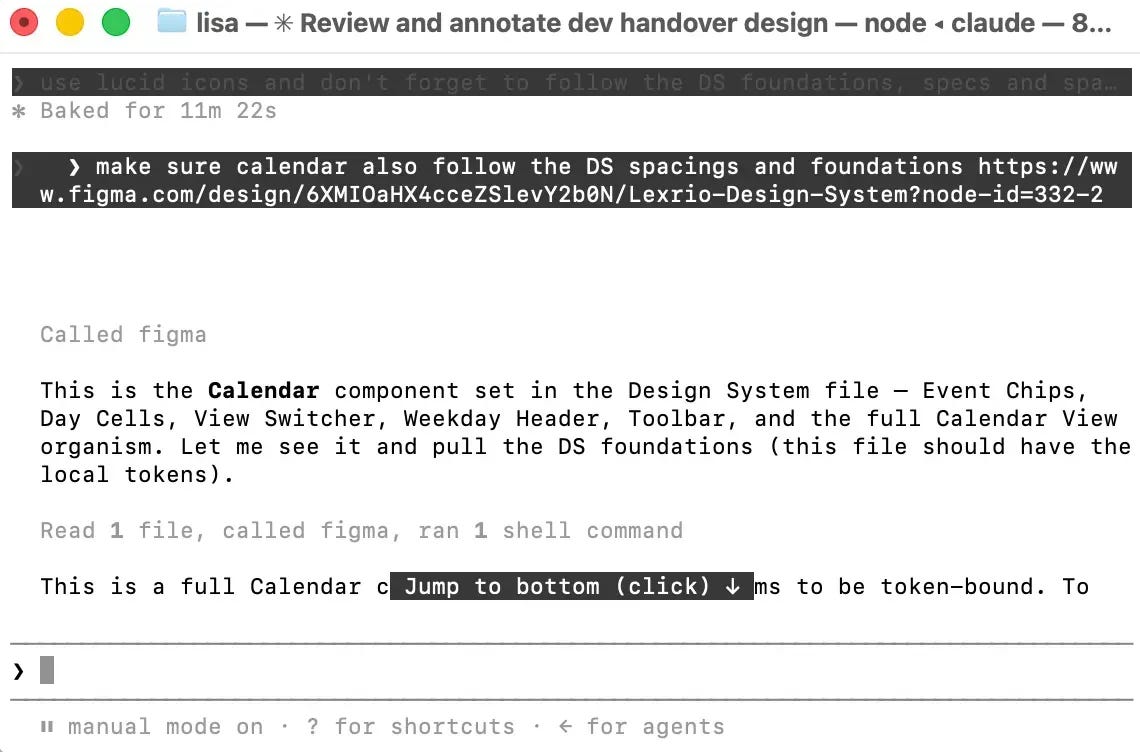
Lately I’ve been pushing this one step further, and it’s become a favourite little loop: I run Claude in the terminal — Claude Code — and connect it to my Figma file through the MCP, so it can actually read the design, not a description of it. The real components I’ve already built, the variables and tokens, the screens that already exist. Then I ask it to lay out a new screen from those — reuse my Button/primary, my spacing scale, the card that’s already in the file — rather than inventing anything. Because it’s working from my existing designs and my design system instead of guessing at them, what comes back already lives inside my system. I’m arranging my own components, not tidying up someone else’s idea of them. It’s the same instinct as the DESIGN.md, just pointed straight at Figma: hand it the world first, then ask for the screen.
And there’s a version of this I reach for even earlier — right at the very start of the ideation phase, before I’ve opened Figma at all. Most of a product’s details already live in Notion: the flows, the business rules, the edge cases we’ve already argued about, the copy someone half-wrote in a comment three weeks ago. So I give Claude access to that Notion through the MCP and ask it to draft a first version of the UI straight from it. What comes back isn’t a pretty picture — it’s better than that. It’s a first pass at the layout, the actual content pulled from real product details instead of lorem ipsum, and most of the processes laid out: which screens exist, what happens in what order, where the flow branches. It’s rough, and I’ll change half of it — but on day one it hands me a real thing to react to, built out of what we already know instead of whatever I can hold in my head at once. That’s context design doing the heavy lifting before a single frame gets drawn.
The honest little payoff: the output stopped drifting the moment it had something real to anchor to. So much of what feels like unreliability is really a context problem in disguise.
2. Spec coding: write what you want before you watch it get built
Context is the world. The spec is the task inside it — and this is the one that saved me those twenty minutes.
Spec coding just means: before you let AI build the thing, you write a short, plain description of what the thing is. Not code. Not a clever prompt. A spec — the states, the flow, the rules, the edge cases you already know about. Then the tool builds to the spec, and you review against it instead of against a vague feeling.
That markdown file from the intro is the whole idea, and it’s almost boringly plain — which is exactly the point. The screen, the sections it has and in what order, how each one behaves — what’s editable, what saves on change, what needs a confirm step — and the handful of edge cases I already know are coming: the field that overflows, the request that can fail, the empty state nobody remembers to design. Then, at the bottom, the one line that ties it to everything else:
“Build this screen from the spec above. Follow DESIGN.md. If anything here is ambiguous, ask me before guessing.”
Two things happen when I work this way. First, the build comes out dramatically closer, because I’ve answered the questions the tool would otherwise answer for me — badly. Second, and this is the part I didn’t expect: writing the spec is the design work. Deciding that a section saves on change instead of hiding behind a Save button, or that deleting something needs a confirm step — those are real decisions, and I made them in a calm markdown file instead of accidentally, halfway through re-prompt number four.
If you want the industrial-strength version of this, GitHub released an open toolkit called Spec Kit this year that turns the whole idea into a proper workflow — specify, plan, build. I don’t use the full ceremony for a single screen; a plain SPEC.md and Claude Code’s plan step are plenty for me. But it’s worth knowing the pattern has a name and momentum now, because it’s not going away.
And it isn’t only engineers reaching for it. Darren Yeo wrote a lovely piece in the UX Collective — From vibe to specs — about reclaiming the design process by trading loose vibe-prompting for an actual, structured spec (he’s built a whole framework around it he calls SAID). I found it reassuring, honestly: it’s the same instinct I keep landing on, told from a designer’s chair rather than a developer’s.
You already make all of this
Here’s the part I find quietly reassuring, and it’s the reason I don’t think either of these is as new or as technical as it sounds. Neither context design nor spec coding is a fresh artifact you have to go learn. They’re the ones you already make — you’ve just been making them for the team, and now you point a copy at the tool as well.
Look at what’s usually already in your project files. Personas and jobs-to-be-done — who this is for, what they’re actually trying to get done — that’s context. It shapes the judgment calls the tool makes, the same quiet way it shapes yours. Sitemaps and user flows — which screens exist, what happens when someone moves through them — that’s much closer to a spec. It’s structure and behaviour the tool can build straight from, and check its own work against.
One honest caveat, because it’s the whole difference between a nice-to-have and a real lift: handing over the file isn’t the same as spec coding. Dropping a persona PDF into the context window is loading context. It becomes a spec the moment you turn it into something buildable — “build these screens from this sitemap, follow these flows, and here are the states and the edge cases.” The persona and the flow are the raw material. The spec is what you shape them into.
So a quick way to sort anything you’re about to hand a tool: is it telling it who and why (context), or what to build and how it behaves (spec)? Descriptive in one pile, prescriptive in the other. Most of us are sitting on both piles already — we’ve just never handed them over on purpose.
Where the two meet
Context design and spec coding are the same instinct pointed at two different questions. What does the tool need to know to sound like me? — that’s the world. What exactly am I asking for this time? — that’s the task. Get both on a page before you press enter, and the prompt itself becomes almost boring. Which is the goal, honestly. The interesting thinking should happen where you can see it and change your mind, not buried inside a re-roll you’ll never reconstruct.
What stays human
I want to be careful here, because this could sound like “write good instructions and the machine does your job.” It really isn’t that.
Everything upstream is judgment. The tool can hold my world and build to my spec — but it can’t decide that the delete flow needs a confirm step, or that long names are the rule and not the exception, or that this whole screen is solving the wrong problem. Those are the decisions, and they’re still entirely mine. All context design and spec coding really do is move my thinking to before the generating, where it’s cheap to change, instead of after, where I’m just reacting to whatever appeared.
The bit I want you to hold onto
If your AI output feels unreliable, the fix probably isn’t a better prompt, and it definitely isn’t a better tool. It’s one step upstream: tell the tool what world it’s in, tell it clearly what you want built, and let the prompt be the easy part.
And here’s the gentler thing underneath it, the part I actually like — this is just designing. Writing the context is making a mood board. Writing the spec is writing a brief. We already know how to do both; we’ve done them for years, for other people. We’re just learning to do them for the machine now, a little more explicitly than we’re used to. For what it’s worth, that made the work feel more like design again, not less — which some weeks is the whole point. :)
So I’m curious: do you write anything down before you prompt, or do you go straight in and re-roll like I used to? Reply and tell me — I read every single one. 🧡
Until next time 👋
— Lisa
📚 UX on the radar
🛠️ Spec-driven development with AI: GitHub’s Spec Kit (The GitHub Blog) Why it matters: The engineering version of what I do in a plain SPEC.md — specify, then plan, then build. Even if you never use the toolkit, reading the flow makes the why click: the spec is the artifact, the code is downstream of it.
⚙️ Effective context engineering for AI agents (Anthropic) Why it matters: The clearest write-up of the “give the tool a world” idea. It’s written for people building agents, but the principle is pure design: curate what goes in, and the quality of what comes out follows.
🧭 From vibe to specs: reclaiming the design process with the SAID framework (Darren Yeo, UX Collective) Why it matters: The designer-side version of this whole issue. Yeo turns “write the spec first” into an actual repeatable framework — from someone thinking about it as a design process, not an engineering one. If today’s issue got you nodding, this is where to go next.
If you find my content useful, the best way to support me is by checking out the tools and resources I use in my workflow (affiliate links included — thank you for supporting my work).
Seeking design inspiration? Mobbin is my go to - 100s of screenshots of real products for you to learn best practices from. Works with MCP as well. Enjoy 10% off with the invite.
Join AI App builders Academy to learn how to build an AI app business — from strategy and design to growth, with unlimited support.
With UXMagicAI you can not just ideate on your designs, but try interactions and flows before you dive into prototyping. Export to Figma for refining or build straight in code.
Use UX Pilot to ideate and create wireframes and designs with the power of AI.
Find wireframing meditative? Try Mockup to find your design zen.
Looking for the ways to become more confident in the competitive Product Design industry? Join AI-First Designer School and confidently transition into a future-ready, AI-powered design professional.
Lots of thoughts and nowhere to store them? Try Milanote to get yourself some creative clarity
One thing I’ve noticed is how much projects have changed. Before, I’d jump straight into code or design. Now, most projects start with and accumulate a surprising number of Markdown files. Planning, documentation, specs, decisions, and context all seem to come first. It feels like there’s a lot more writing before the building even begins.